Pricing

Practice Affinity Designer on YouTube

Vector tutorials reward repetition—nodes, booleans, and artboards make more sense on the second pass. YouC keeps the pass beside the player.
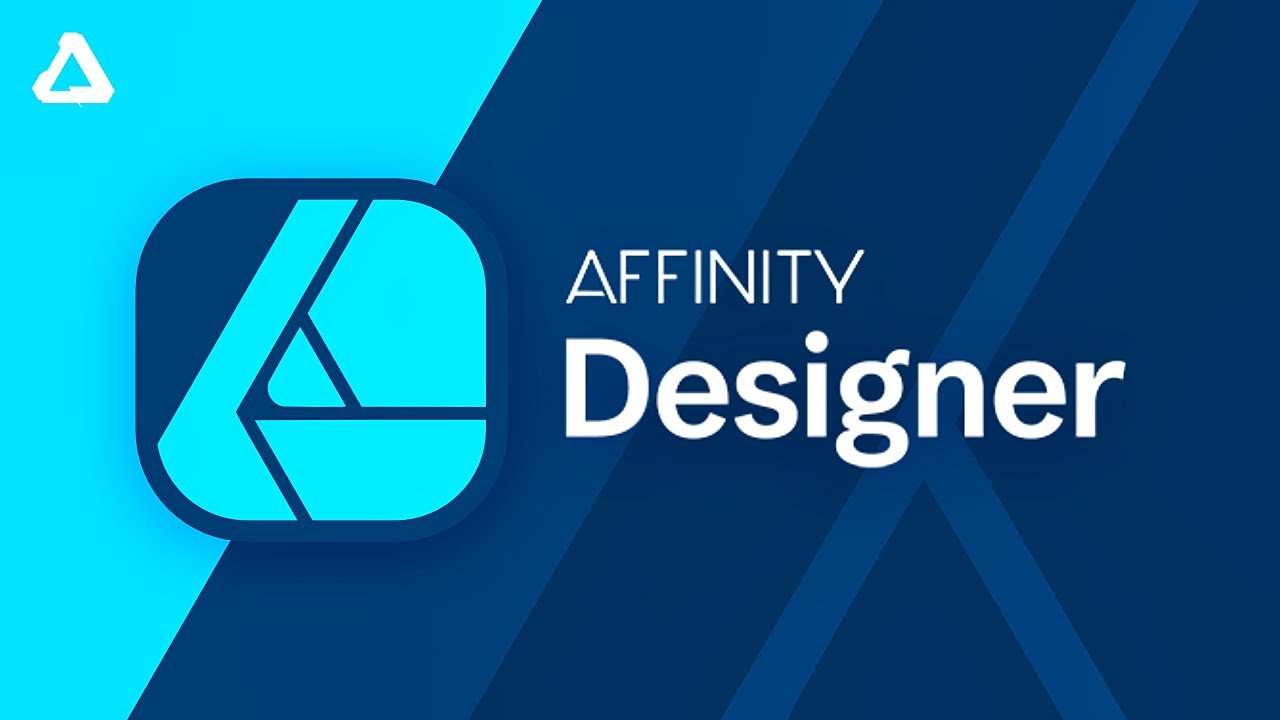
Design Made Simple — Affinity Designer complete beginner course

Practice with this videoInstall YouC for ChromeCapture your first install

Replay the stretch where the curve finally obeyed. Capture that frame with a short voice note so your next session starts from proof, not from memory.

Loops · Timeline notes · Hear what you meant at the frame

Vector learning is repetition

Curves sink in when you return. YouC makes the return link honest—same second, same note.

  • YouTube shows motion; Affinity is motion. The learning style already matches.
  • Loops respect how hands learn—repeat the awkward stretch until it is boring.
  • Installs keep technique and rationale attached to the frame.
  • Voice captures tradeoffs the video does not label in writing.
  • Playback revives judgement, not just technique.

What you use while you design along

  • Last 30 sec loop

    Perfect for pen explanations, node edits, and boolean cleanups.

  • Timestamped installs

    Save the breakthrough frame when the path finally stabilizes.

  • Voice notes

    Describe stroke and fill intent in your own words for later review.

  • Playback

    Hear your note with the clip before you open a blank artboard.

  • Copy transcript

    Grab shortcut callouts or export guidance verbatim.

  • Return to exact moments

    Pick up a long course without losing which artboard you were mirroring.

Second walkthrough: fuller beginner tour

When you want more range, follow a longer structured course. Capture vocabulary the first time it lands—personas, symbols, and export presets.
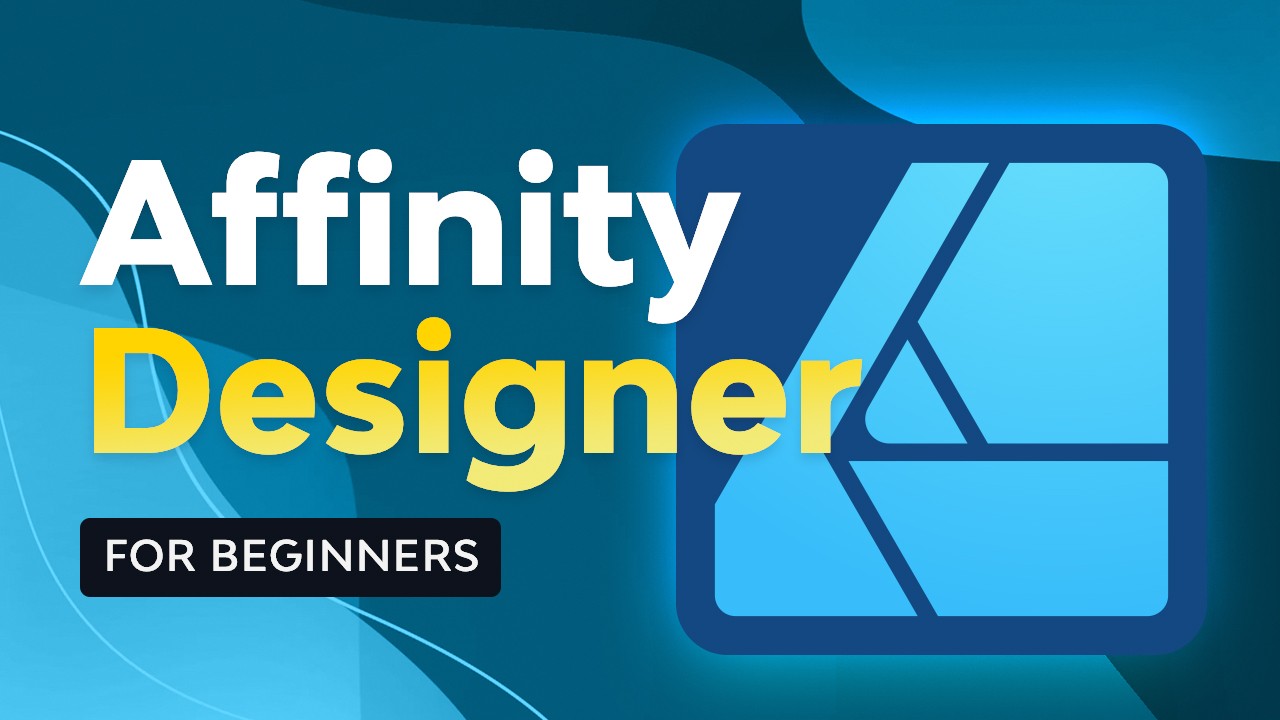
Envato Tuts+ beginner course—capture principles, not every shortcut.

Practice with this video

Suggested practice flow

Watch→Mirror→Loop→Capture→Refine→Return

Practice → repetition → return → improvement—same cadence as music or code.

Keep Affinity tutorials usable after the tab closes

Capture timestamped notes from YouTube while you learn, return to the exact moment that clicked, and build workflow memory through installs, loops, and reps. Most designers who pick up Affinity already trust YouTube for software motion. The hard part is not the tutorial—it is returning to the ten seconds where the pen tool or boolean cleanup finally made sense without scrubbing a long file. You pause, redraw in your document, drift, and lose the thread. YouC treats the player like a practice bench. Loop the segment where nodes click. When your paths match the instructor’s example, capture a voice install that names what changed—corner tool, fill mode, or a compound shape fix. That note belongs to the timestamp. This page is for people who learn by mirroring real vector work. You are rehearsing motion: watch, mimic, loop the confusing gap, capture the win, return later. Transcript copy still helps when you want shortcut callouts or export settings spoken aloud. Logo, icon, and layout tutorials all benefit from the same cadence. You already learn on YouTube. YouC is the thin layer that makes return and repetition normal instead of heroic.

Figma UI practice beside YouTube · Premiere edits with the same loop habit · React layout tutorials when you ship UI in code · Capture design ideas on the timeline · Install YouC for Chrome · Block time to finish the vector pass

FAQ

How do I practice Affinity Designer tutorials on YouTube?
Rebuild the same shapes alongside the video, loop short stretches where the pen or boolean tools confuse you, and capture installs when your document matches the lesson.
Can looping help with the pen tool?
Yes—node editing is procedural. Replaying the same clip while you adjust handles builds recognition faster than one long watch.
What should I say in a voice note?
Name the control that changed the outcome—stroke, fill, corner, boolean, or export preset—so playback still makes sense later.
Is this only for beginners?
No—advanced symbol, style, and export tutorials benefit because failure modes are subtle and easy to forget.

Related searches

  • affinity designer tutorial loop practice
  • learn affinity designer with youtube
  • save design tutorial timestamps
  • schedule design work after watching

Think on YouTube, then shape, share, and schedule the same idea across LinkedIn, Slack, and Google Calendar.

Actions+
  • Figma UI practice beside YouTube
  • Premiere editing loops on video
Use cases+
  • Bubble walkthroughs with timestamps
  • Return to the YouTube practice hub
Workflows+
  • Schedule vector work from captures
Platform+
  • YouTube
  • LinkedIn
  • Slack
  • Google Calendar

Productivity Communication Ecosystem

YouC forYouTubeYouC forLinkedInYouC forSlackYouC forGoogle Cal

Pricing

Learn on YouTube, Work in Flow

Capture in Flow · Practice in the pause

ProductPracticeCreatorsTeamsResourcesCompany
Download for Chrome
Chrome

Practice Affinity Designer on YouTube

Vector tutorials reward repetition—nodes, booleans, and artboards make more sense on the second pass. YouC keeps the pass beside the player.

Design Made Simple — Affinity Designer complete beginner course

Practice with this videoInstall YouC for ChromeCapture your first install

Replay the stretch where the curve finally obeyed. Capture that frame with a short voice note so your next session starts from proof, not from memory.

Loops · Timeline notes · Hear what you meant at the frame

Vector learning is repetition

Curves sink in when you return. YouC makes the return link honest—same second, same note.

  • YouTube shows motion; Affinity is motion. The learning style already matches.
  • Loops respect how hands learn—repeat the awkward stretch until it is boring.
  • Installs keep technique and rationale attached to the frame.
  • Voice captures tradeoffs the video does not label in writing.
  • Playback revives judgement, not just technique.

What you use while you design along

  • Last 30 sec loop

    Perfect for pen explanations, node edits, and boolean cleanups.

  • Timestamped installs

    Save the breakthrough frame when the path finally stabilizes.

  • Voice notes

    Describe stroke and fill intent in your own words for later review.

  • Playback

    Hear your note with the clip before you open a blank artboard.

  • Copy transcript

    Grab shortcut callouts or export guidance verbatim.

  • Return to exact moments

    Pick up a long course without losing which artboard you were mirroring.

Second walkthrough: fuller beginner tour

When you want more range, follow a longer structured course. Capture vocabulary the first time it lands—personas, symbols, and export presets.

Envato Tuts+ beginner course—capture principles, not every shortcut.

Practice with this video

Suggested practice flow

Watch→Mirror→Loop→Capture→Refine→Return

Practice → repetition → return → improvement—same cadence as music or code.

Keep Affinity tutorials usable after the tab closes

Capture timestamped notes from YouTube while you learn, return to the exact moment that clicked, and build workflow memory through installs, loops, and reps. Most designers who pick up Affinity already trust YouTube for software motion. The hard part is not the tutorial—it is returning to the ten seconds where the pen tool or boolean cleanup finally made sense without scrubbing a long file. You pause, redraw in your document, drift, and lose the thread. YouC treats the player like a practice bench. Loop the segment where nodes click. When your paths match the instructor’s example, capture a voice install that names what changed—corner tool, fill mode, or a compound shape fix. That note belongs to the timestamp. This page is for people who learn by mirroring real vector work. You are rehearsing motion: watch, mimic, loop the confusing gap, capture the win, return later. Transcript copy still helps when you want shortcut callouts or export settings spoken aloud. Logo, icon, and layout tutorials all benefit from the same cadence. You already learn on YouTube. YouC is the thin layer that makes return and repetition normal instead of heroic.

Figma UI practice beside YouTube · Premiere edits with the same loop habit · React layout tutorials when you ship UI in code · Capture design ideas on the timeline · Install YouC for Chrome · Block time to finish the vector pass

FAQ

How do I practice Affinity Designer tutorials on YouTube?
Rebuild the same shapes alongside the video, loop short stretches where the pen or boolean tools confuse you, and capture installs when your document matches the lesson.
Can looping help with the pen tool?
Yes—node editing is procedural. Replaying the same clip while you adjust handles builds recognition faster than one long watch.
What should I say in a voice note?
Name the control that changed the outcome—stroke, fill, corner, boolean, or export preset—so playback still makes sense later.
Is this only for beginners?
No—advanced symbol, style, and export tutorials benefit because failure modes are subtle and easy to forget.
Related searches

  • affinity designer tutorial loop practice
  • learn affinity designer with youtube
  • save design tutorial timestamps
  • schedule design work after watching

Think on YouTube, then shape, share, and schedule the same idea across LinkedIn, Slack, and Google Calendar.

Actions+
  • Figma UI practice beside YouTube
  • Premiere editing loops on video
Use cases+
  • Bubble walkthroughs with timestamps
  • Return to the YouTube practice hub
Workflows+
  • Schedule vector work from captures
Platform+
  • YouTube
  • LinkedIn
  • Slack
  • Google Calendar

Productivity Communication Ecosystem

YouC forYouTubeYouC forLinkedInYouC forSlackYouC forGoogle Cal

Product

  • Open YouC
  • Download for Chrome
  • Search
  • Practice
  • Updates

Practice

  • Coding & stack
  • Guitar
  • Piano
  • Meditation
  • Singing
  • Languages

Resources

  • Start Here
  • Docs
  • Positioning
  • Updates
  • Workflow Guides

Company

  • About
  • Contact
  • Privacy
  • Terms

Social

  • GitHub
  • X
  • YouTube
  • LinkedIn

© 2026 CalnFlow LLC.

YouCPro · GetYouC.com

Think on YouTube. Return anytime.