Learn React with a loop—not a binge
Hooks, state, and component architecture videos reward revisiting. YouC is where you mark the frames worth repeating.
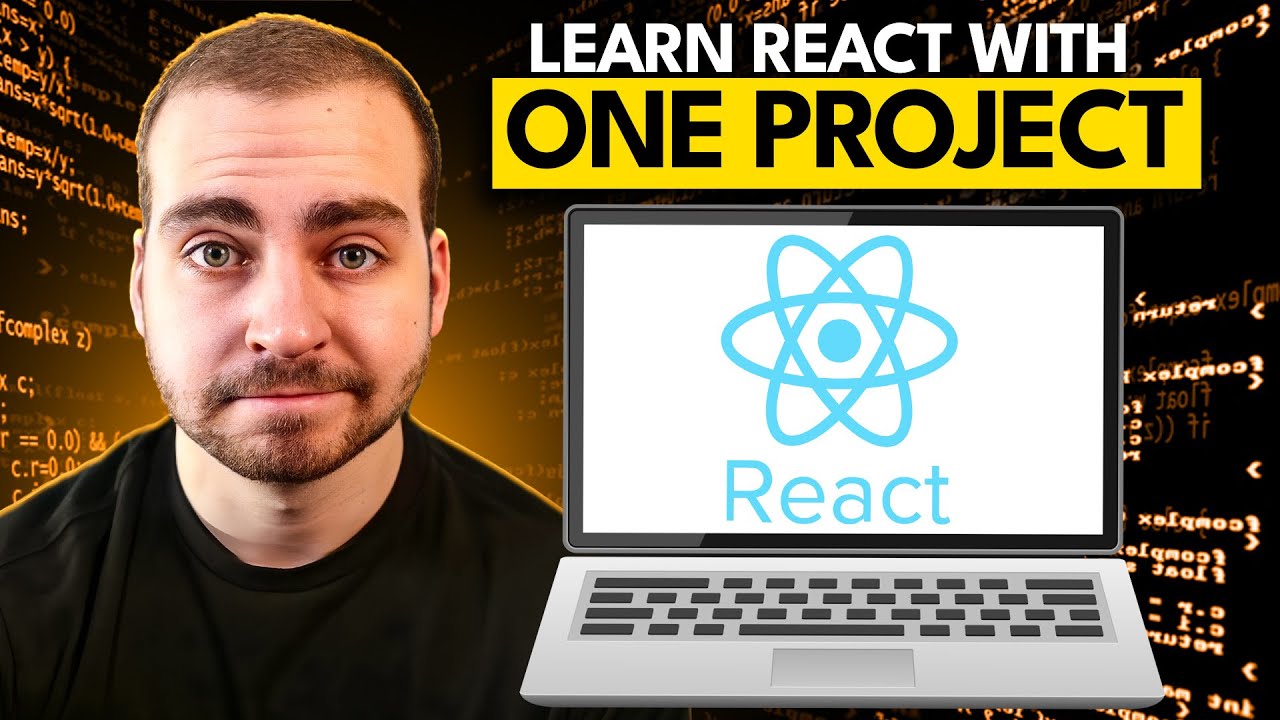
Tech With Tim — learn React with one project
React tutorials often hide the failure modes. When you finally see the fix, capture it—your next side project should start from that frame, not from scratch.
Hooks · Data fetching · Structure—saved where you learned them
Why React learners need timestamps
React errors are visual and temporal—you notice them when state flips. Save the frame where the fix clicked.
- Implementation beats consumption for UI work.
- YouTube shows motion—exactly what React is about.
- Installs capture the story behind a refactor.
- Looping builds finger memory for JSX patterns.
- Playback revives the “why” behind a hook dependency.
From tutorial brain to production brain
Project tutorials give you speed; long-form courses give you structure. Alternate between them, but keep one habit constant: never let a breakthrough disappear into watch history. YouC is the layer that makes breakthroughs retrievable.
React practice toolkit
Last 30 sec loop
Perfect for effect dependency explanations and devtools stack traces.
Timestamped installs
Save the commit-worthy insight, not the entire hour.
Voice notes
Describe how you would adapt the pattern to your design system.
Playback
Re-run the explanation with your note when you tackle a similar component.
Copy transcript
Grab narration when you want comments in your repo linking back to the teaching clip.
Return to exact moments
Onboarding? Drop teammates into the precise explanation they need.
Zoom out: course-scale architecture
When you are ready for vocabulary and structure, a longer segment rewards different captures—routing boundaries, state placement, testing posture.

Course-style depth—capture the map, not every keystroke.
Capture your first installPractice flow
React skill is repeating small honest passes until the patterns feel native.
YouTube as your React studio
Capture timestamped notes from YouTube while you learn, return to the exact moment that clicked, and build workflow memory through installs, loops, and reps. React has no shortage of courses. The failure mode is watching hero sections scroll by without ever shipping your own state graph. You learn faster when you alternate watching and building, when you repeat the ten seconds where the useEffect dependency explanation finally made sense, and when you keep a voice memo describing why a lift-state-up refactor was the right call. YouC supports that cadence on YouTube. Capture installs when a pattern lands: custom hooks, data fetching, suspense boundaries, component composition. Loop the moments where the devtools flash warnings—you want those warnings attached to a note before you silence them. This page is for developers who treat React as craft. The goal is not “finish the course.” The goal is a library of timestamped moves you trust. When you start a new repo, you should reopen the clips that taught you structure, not guess from memory. Premium calm, builder tone: no shortcuts promised—just a better reflection layer for the classroom you already use.
Supabase-backed React apps on video · Cursor for React refactors · ChatGPT for component drafts · Claude for reading large React diffs · Save exact React tutorial moments · Block time to finish the project
FAQ
- How do I practice React tutorials instead of watching them?
- Type along, capture installs when your output matches theirs, and loop sections where your UI diverges until you can explain the fix.
- How do developers learn faster on YouTube?
- They shorten the loop between seeing and doing, save timestamps at breakthroughs, and return instead of restarting whole videos.
- Can I save hooks and component patterns from videos?
- Yes—voice notes plus timestamps document the pattern in context, not as isolated snippets.
- What if I switch between many React creators?
- Use captures to label each creator’s conventions so you remember which mental model you were adopting.