Practice Bubble beside the tutorial
No-code apps are learned by repeating workflows. YouC helps you loop the confusing middle—privacy rules, repeating groups, responsive settings—then return to the exact frame.
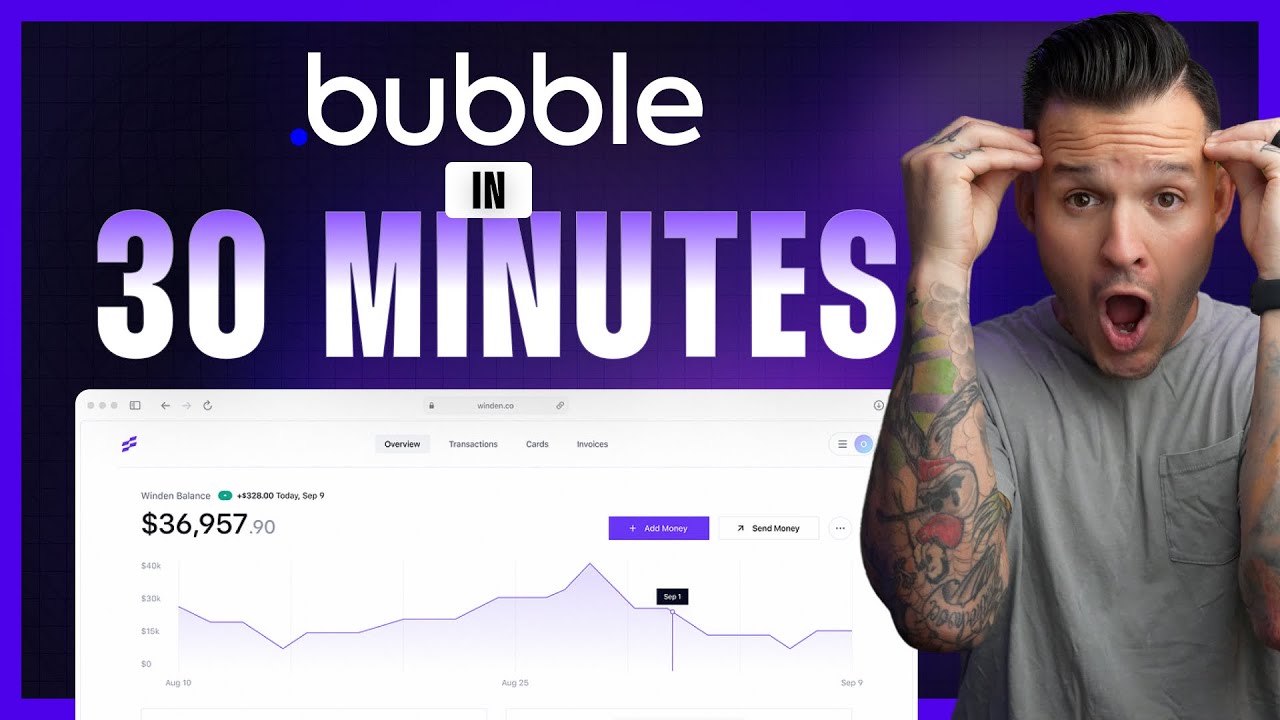
Jesse Showalter — learn Bubble.io in 30 minutes
You already watch Bubble walkthroughs. Save the second your UI finally matched the instructor’s, speak what you changed, and reopen that moment before your next build session.
Workflow loops · Voice notes · Timestamps that survive tab chaos
Why Bubble learners loop
No-code still means repetition. The interface rewards people who return to the same workflow until it feels boring.
- YouTube already hosts patient instructors; you need memory that survives the session.
- Loops keep you honest when settings panels look similar but behave differently.
- Timestamped installs document what finally worked in your own app, not the demo template.
- Voice notes carry constraints the video never names—your data shape, your users, your plugins.
- Playback reconnects explanation and outcome when you return days later.
Practice tools beside the player
Last 30 sec loop
Replay the stretch where workflows or conditions finally line up.
Timestamped installs
Pin the second your repeating group or API workflow matched the lesson.
Voice notes
Say what you will reuse—search constraints, page states, plugin limits.
Playback
Hear your recap with the frame so rehearsal feels grounded.
Copy transcript
Grab phrasing when the instructor names a rule you will paste into docs.
Return to exact moments
Jump back mid-course without losing which example you were mirroring.
Second pass: ship a real feature arc
When you are ready to go deeper, a longer build rewards different captures—privacy, testing, and deployment realism. Save the first milestone where data writes succeed end to end.

Course-style Bubble build—capture structure, not every click.
Practice with this videoSuggested practice flow
Repetition turns demos into something your own app can run.
No-code is still practice-heavy
Capture timestamped notes from YouTube while you learn, return to the exact moment that clicked, and build workflow memory through installs, loops, and reps. Bubble tutorials move fast through ideas that only stick after you click them yourself: data types, option sets, API workflows, and the moment a repeating group finally shows the right list. Passive watching feels productive until you open a blank app and realize you only remember the intro music. YouC is a practice layer for that gap. When the instructor fixes a permission rule or explains a search constraint, that is the frame worth looping—not the whole three-hour file. Capture a short voice install when your editor state matches theirs so your note carries the constraint in plain language. When you return next week, you rehearse from the timestamp instead of guessing which chapter covered privacy rules. This is the same rhythm as coding tutorials, just with draggable elements instead of syntax. You are still returning, repeating, and improving—just on a visual runtime. Pair shorter orientation clips with deeper course segments the same way developers alternate quick starts with repo-scale walkthroughs. You already learn on YouTube. YouC keeps the useful seconds reachable so Bubble stays buildable, not just watchable.
Figma UI practice beside YouTube · Premiere editing loops on video · React frontends when you mix code and no-code · Capture ideas while watching tutorials · Save proof moments on the timeline · Schedule build time after a capture
FAQ
- How do I practice Bubble tutorials instead of bingeing them?
- Rebuild the same screens alongside the video, capture each milestone when your preview matches theirs, and loop errors until you can describe the fix aloud.
- Can timestamps help with privacy rules and workflows?
- Yes—those topics are procedural. Saving the frame where a rule finally passed gives you a rehearsal anchor.
- Does this work for long Bubble courses?
- Long courses are exactly when scrubbing hurts. Use captures as a table of contents tied to seconds, not vague chapter titles.
- How is this different from saving the playlist?
- Playlists forget what you understood. Installs bind your spoken recap to the moment the interface made sense.