Learn Claude for shipping—beside the video
Long-context reasoning and agent-style workflows deserve notes that survive the session. YouC anchors your Claude learning to timestamps.

Anthropic — introducing Claude Code
When Claude walks a repo or runs a tool loop, the valuable part is the sequence. Capture that sequence when it succeeds so you can rehearse it without re-watching the preamble.
Agent demos · Tool use · Prompts you will reuse
Why Claude learners use YouC
Claude shines on tasks that take minutes of reasoning. Videos compress that reasoning into seconds of screen time. You need a way to mark the beats.
- Builders learn by rehearsing sequences, not by memorizing marketing language.
- YouTube already hosts the serious walkthroughs; you just need memory that survives the session.
- Installs record the “why this worked” beat in your voice.
- Looping keeps you honest when tool errors stack.
- Playback reconnects plan and outcome when you return days later.
Go deeper: team practices, not just demos
After the launch narrative, watch practitioners discuss constraints. Capture the first time you hear a rule you will adopt—security review, test discipline, or repo hygiene.
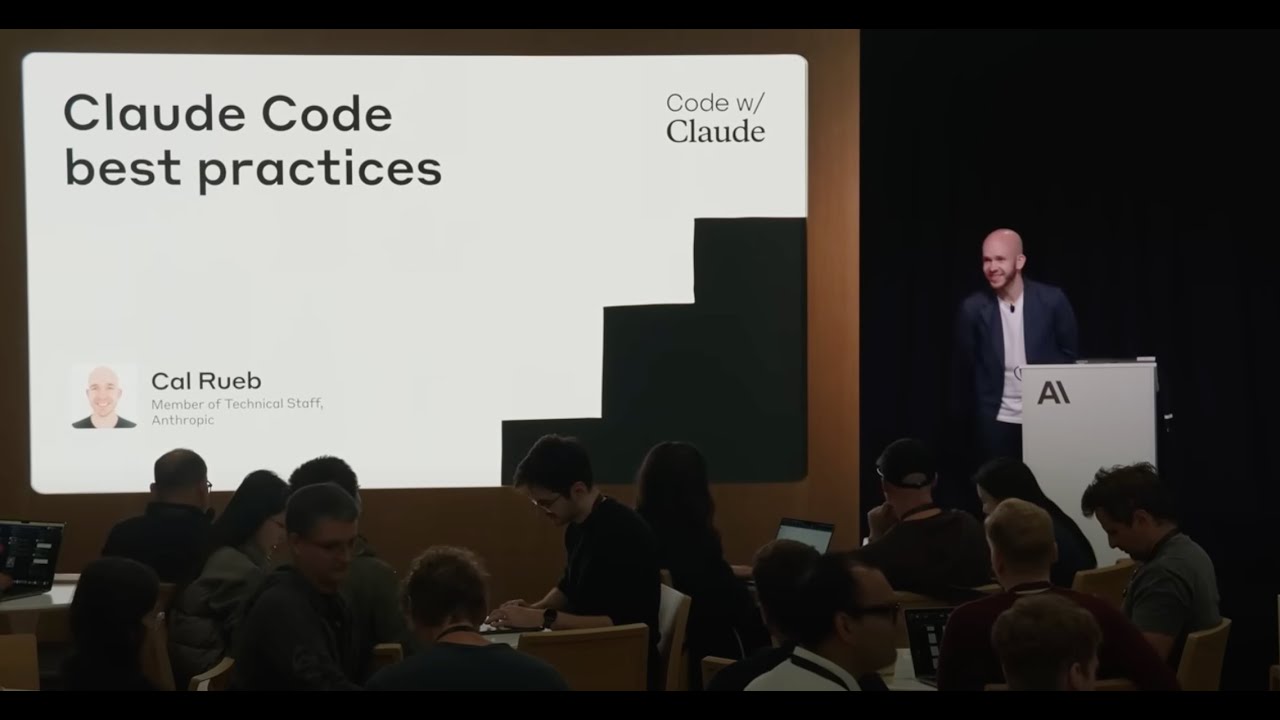
Best practices session—what to copy into your own agent habits.
Capture your first installTools that match long sessions
Last 30 sec loop
Agent recoveries are where learning lives; repeat until the recovery feels predictable.
Timestamped installs
Mark each successful tool invocation with a note about scope and safeguards.
Voice notes
Dictate tradeoffs the video glosses over—latency, cost, trust boundaries.
Playback
Listen back with the demo in view to check whether you skipped a verification step.
Copy transcript
Grab phrasing when the speaker articulates a policy you will paste into your own rules file.
Return to exact moments
Resume long tutorials without losing the thread mid-agent-run.
Practice flow
Agent fluency is repetition with receipts. YouC is the receipt book tied to the video.
Thread of learning
Capture timestamped notes from YouTube while you learn, return to the exact moment that clicked, and build workflow memory through installs, loops, and reps. Claude’s strength shows up in sustained tasks: reading a codebase, proposing patches, reasoning across files. YouTube captures of that work are dense—too dense to absorb once. The productive move is to treat each demonstration as a drill: watch, pause, capture the plan the model articulated, loop the segment where it recovered from a mistake. YouC fits builders evaluating Claude alongside Cursor, terminal tools, or plain VS Code. The competition is not other videos; it is forgetting. A voice install at the frame where Claude fixed the build is a lightweight spec you can send to a teammate or your future self. If you are learning agentic workflows, the timeline is your notebook. Timestamped installs document what the agent was allowed to do, what directory it assumed, and what verification step mattered. That is the kind of detail blogs smooth over. Stay calm and precise: this is not hype; it is rehearsal infrastructure. Practice building with YouTube until the moves feel transferable to your own repository.
Cursor plus AI pair programming loops · ChatGPT coding patterns on video · Supabase plus AI-assisted SQL · React architecture breakdowns · Main YouTube capture surface · Calendar follow-ups for deep work blocks
FAQ
- How do I learn Claude for real projects?
- Rebuild the presenter’s steps in a sandbox repo, capture each successful milestone with a timestamp, and revisit those installs before you apply the pattern at work.
- What should I capture from Claude Code videos?
- Capture permission boundaries, verification commands, and the first clean pass where tests pass—those are the anchors you will need later.
- Can teammates use my captures?
- Return links reopen the public frame with your spoken context so async handoffs stay grounded.
- How is this different from Claude’s own chat history?
- Chat history is session-bound. Timestamped installs tie your reasoning to the teaching moment you trust on YouTube.