YouC for designers
Save the component decision, motion beat, or accessibility nuance at the exact frame—return when you are in Figma.
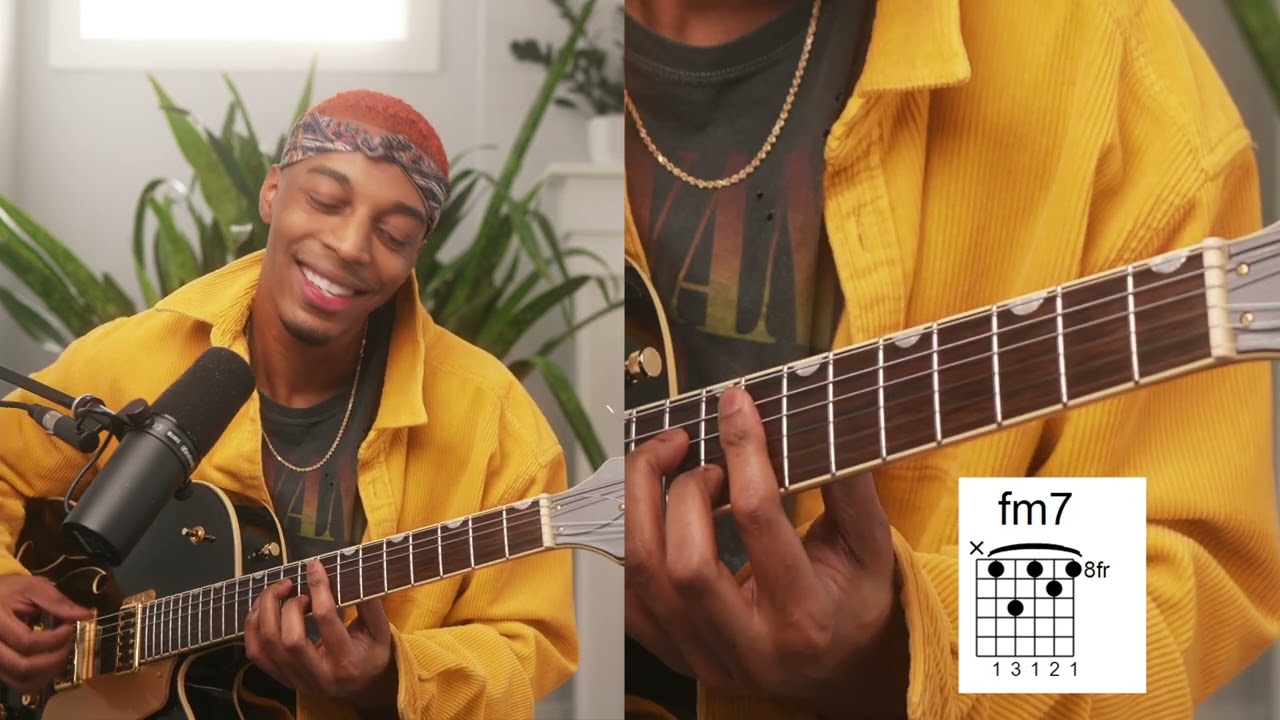
Practice loop
Problem
- Screenshot without story — PNGs lose the motion proof.
- Subjective debate — Stakeholders argue from memory, not frames.
- Tutorial scatter — Each new video resets your component hunt.
Solution
- Frame-locked notes — Voice explains while pixels prove.
- Shared language — Captures align naming before dev handoff.
- Loop short interactions — Replay micro motions until handoff is calm.
Find your next practice path on YouTube
Search a workflow or topic—results open as YouTube searches with intent. Paste a watch URL anywhere on this site (outside a text field) to jump straight into YouC.
Start with a practice path
Details
Design critique with receipts
Return links shorten debates because everyone sees the same host demonstration with your spoken overlay about constraints.
Pair design and code
When implementation risk rises, cross-link into React and Cursor guides with the same capture habit.
Stay visual
If your capture could apply to a random slide deck, add more visual nouns until it cannot.
FAQ
- Does this replace Figma comments?
- No—it preserves external teaching moments you found on YouTube, separate from file comments.
- Can developers use my captures?
- Yes—return links communicate intent across disciplines without another meeting.
- Where next?
- Open Learn Figma or Learn React depending on where execution lives this week.